


A good no-code app builder lets you create software through visual editors, prebuilt components and workflow tools instead of writing most of the code yourself. Some platforms can turn a spreadsheet into a business app, while others support customer-facing products, mobile apps and complex online services.
The best no-code app builders depend on your project’s needs, budget and plans for growth. Before choosing one, decide whether you need a web app, a native iOS or Android app, a client portal or an internal business tool. That decision will narrow your options far more effectively than comparing feature lists alone.
Table of Contents
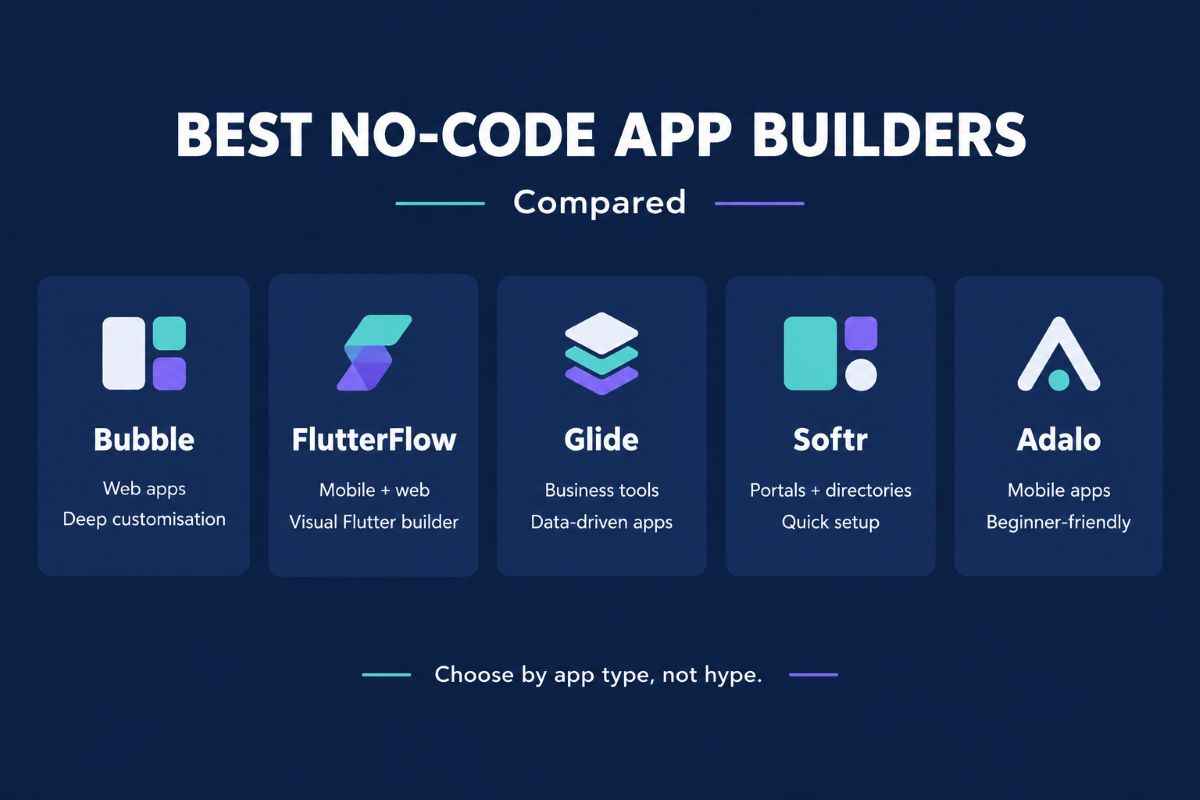
The Best No-Code App Builders at a Glance
| Platform | Best suited to | Main consideration |
|---|---|---|
| Bubble | Custom web apps and SaaS products | Powerful workflows, but a learning curve and usage-based costs |
| FlutterFlow | Mobile-first apps with code export | More control, but more technical setup |
| Glide | Spreadsheet-driven business apps | Fast to build, with plan limits to consider |
| Softr | Client portals and internal tools | Best suited to structured data and business workflows |
| Adalo | Straightforward mobile apps | Accessible visual building, with platform-specific limits |
These are practical recommendations based on each platform’s published capabilities, not results from a hands-on benchmark. Features and prices can change, so check the current plan before committing.
Best No-Code App Builders:
1. Bubble: Best for Custom Web Applications
Bubble is a strong option for founders who want to build a web product without assembling a separate front end, database and backend from scratch. It combines visual page design with data management, workflows, user accounts and integrations.
You could use it to develop a booking platform, membership service, marketplace, customer dashboard or early-stage SaaS product. It also offers native mobile app development, allowing web and mobile experiences to share backend logic when configured within the same project.
Why choose Bubble?
- Build custom workflows and data relationships visually.
- Create user accounts, permissions and dynamic pages.
- Connect external services through APIs and plugins.
- Start with a development version before paying to launch.
What to consider: Bubble has more to learn than simpler app builders. Its workload-based pricing also means you should monitor how application activity affects operating costs. You cannot treat it as a cost-free solution simply because you do not need a traditional development team.
Bubble is worth considering if your app needs custom business logic and you want to manage most development in one platform.
2. FlutterFlow: Best for Mobile Apps With Code Export
FlutterFlow is designed for visually building applications using Flutter. It supports mobile, web and desktop projects, integrations with services such as Firebase and Supabase, and downloadable source code on eligible plans.
It is a good fit for a startup planning a mobile-first product, such as a fitness tracker, booking app, customer service app or community platform.
Why choose FlutterFlow?
- Design mobile interfaces using a visual editor.
- Connect databases, authentication and external APIs.
- Test applications on devices.
- Export Flutter source code on a paid plan.
- Use app-store deployment features available on eligible plans.
What to consider: FlutterFlow gives you more control than many beginner-focused tools, but that flexibility brings additional complexity. You may need to understand data structures, API configuration and application logic. Code export also does not mean the exported app will run and scale without further development or maintenance.
Choose FlutterFlow if mobile experience matters and you want a possible route to developer involvement later.
3. Glide: Best for Spreadsheet-Based Business Apps
Glide is particularly useful when your business information already lives in structured tables or spreadsheets. It helps turn that data into an app with forms, lists, dashboards and workflows.
For example, a small company could create an inventory tracker, staff directory, field-service dashboard or equipment register. Rather than building every screen from scratch, you can connect your data and arrange the information employees need.
Glide’s plans differ in published-app limits, user allowances, data sources and update volumes. Its official pricing documentation lists an Explorer plan at $19 per month with annual billing, alongside higher tiers for more demanding projects.
Why choose Glide?
- Turn structured business data into a usable interface.
- Build internal tools without designing every component manually.
- Add workflows and integrations.
- Create simple applications for teams and communities.
What to consider: Check whether your required data source, number of users and update volume fit your plan. Glide is not automatically the best choice for a complex consumer app requiring extensive custom functionality or a particular native mobile distribution model.
For businesses trying to replace scattered spreadsheets with a simple working tool, Glide is a sensible starting point.
4. Softr: Best for Client Portals and Internal Tools
Softr focuses on business applications, including client portals, internal tools, project trackers, directories and knowledge bases. It is useful when you need people to log in and access information based on their role.
A consultant might use it to give clients access to project updates and documents. A small business could create an internal knowledge hub or a portal for partners and suppliers.
Why choose Softr?
- Start from templates for common business use cases.
- Connect supported data sources and databases.
- Build pages and workflows for different users.
- Create portals without building a full application from scratch.
Softr offers a free starting option, but its current plans distinguish between team users and external client users. Review the user allowances, data limits and workflow capacity before launching a portal for a large customer base.
What to consider: Softr is best evaluated as a business tool and portal platform rather than a universal replacement for custom mobile development. Confirm that its page design, permissions and data connections match your exact requirements.
Choose Softr if the main goal is to give customers, employees or partners a clear place to access information and complete tasks.
5. Adalo: Best for Straightforward Mobile Apps
Adalo provides a visual, no-code approach to building apps for the web, iOS and Android. It is worth exploring if you want to create a relatively straightforward mobile product without learning a traditional programming language.
Potential projects include a community app, a local service directory, a booking interface or a simple membership application.
Adalo offers a free plan for building and testing, while its paid Builder plan includes publishing features and additional capabilities. Its advertised pricing and promotions can vary by billing period, so check the official page for the current terms. https://www.adalo.com/
Why choose Adalo?
- Build screens visually.
- Connect interface elements to app data and actions.
- Test an idea before committing to a larger development budget.
- Explore web and app-store publishing from the same platform.
What to consider: Check the limits of your chosen plan, database needs, integrations and publishing requirements. A prototype with a few screens is very different from a production app with complex permissions, heavy traffic or advanced backend processing.
Adalo makes sense when accessibility and speed matter more than having complete control over the underlying code.
Which No-Code App Builder Should You Choose?
Start with the type of application you need to deliver, rather than selecting a tool because it has the longest feature list.
| Your project | Platform to evaluate first | Why |
|---|---|---|
| SaaS product or online marketplace | Bubble | Custom data and workflow logic |
| Mobile-first startup app | FlutterFlow | Mobile development and code export |
| Internal tool built around tables | Glide | Data-driven app creation |
| Client or partner portal | Softr | Portal-oriented business features |
| Simple app for iOS and Android | Adalo | Visual mobile app development |
This is a shortlist, not a guarantee that one platform will meet every requirement. Build a small proof of concept before deciding.
How to Compare No-Code App Builders Before Paying
Check the total cost, not just the entry price
A free plan is useful for learning and prototyping, but launching usually introduces new costs. Depending on the platform, you may pay for publishing, additional users, database capacity, workflow usage, integrations or higher usage allowances.
List the features your finished app needs, then compare the plans that actually provide them. If you are building for customers, estimate the cost of supporting your expected user base rather than just your first few testers.
Confirm where the app will run
A web app runs in a browser. A progressive web app can offer an app-like experience through the web. A native mobile app is built for mobile operating systems and can be distributed through their app stores.
These options are not interchangeable. If your app needs particular device features, offline behaviour, push notifications or app-store distribution, verify that the platform supports them in the way you require.
Understand data ownership and portability
Before building a business around any platform, check how you can export your data, whether you can download source code and what happens if you cancel your subscription.
Code export and data export are different things. A platform may let you download data without giving you a portable version of all application logic. This matters if you expect to hire developers or move to another system later.
Test security and permissions
If your app stores personal information, financial records or confidential business data, review authentication, user roles, access controls, backups and available security documentation.
Test that users can access only the records and functions they are supposed to see. A polished interface is not enough if the underlying permissions are configured incorrectly.
Test a real user journey
Build a small version of the most important task in your app. For a booking product, test the complete booking process. For an inventory tool, test adding, updating and finding a record.
This reveals practical limitations before you invest time building every screen.
Are No-Code App Builders Suitable for Serious Business Apps?
Yes. No-code platforms can support real business workflows and customer-facing products, provided the selected platform matches the project’s technical and operational needs.
However, no-code does mean no maintenance. You still need to test updates, manage access, monitor costs, protect data and handle customer support. More complex products may also require custom code, external services or help from experienced developers.
For a small proof of concept, a visual builder can reduce the work required to test an idea. For a business-critical application, evaluate performance, reliability, security, backup options and the cost of scaling before choosing a long-term platform.
Frequently Asked Questions
What is the best no-code app builder in 2026?
There is no single best platform for every project. Bubble is a strong candidate for custom web applications, FlutterFlow for mobile apps with code export, Glide for spreadsheet-driven tools, Softr for portals and Adalo for straightforward mobile apps.
Can I build an app for free without coding?
Yes, several platforms offer free plans for building or testing applications. Publishing a live app or using advanced features may require a paid subscription, and third-party services can add costs.
Can no-code app builders publish to the App Store and Google Play?
Some support native mobile app publishing, but the requirements vary. FlutterFlow and Adalo offer mobile publishing capabilities on eligible plans, while Bubble also offers native mobile options. Check the platform’s current publishing process and the app stores’ separate developer requirements.
Is no-code better than hiring a developer?
No-code can be a practical choice for prototypes, internal tools and products that fit a platform’s capabilities. Hiring a developer may be more suitable when you need specialised functionality, extensive custom infrastructure or greater control over the software.
Can I move my app to another platform later?
It depends on the platform and what you need to move. Data export may be available even when application logic cannot be exported as reusable source code. Check portability before building a product that you expect to operate for years.
Final Recommendation
The best no-code app builder is the one that supports your app’s essential features without creating unnecessary cost or technical limits.
Start by choosing your target platform, identifying the data and workflows you need, and building a small test version. Compare publishing options, user limits, security and portability before paying. A little testing now can prevent a costly rebuild later.